

Whether your landing page content is text, video, audio, or infographic, make it as easy on the eye as you can for your website visitor.
Why?
Well, you have just a few seconds to capture your visitor’s attention.
And if your landing page offers nothing but a wall of text – or a sea of confusing images — they’ll click away in a heartbeat.
At Elite Marketing Pro, we usually insert an image about every 300 words or so, just to break up that “wall of text” phenomenon and keep the site visually interesting without being too cluttered.
You can use any graphics editing software you like – or hire your images done relatively cheaply from any of the online freelance sites.
Here at Elite Marketing, we use five types of images all the time:
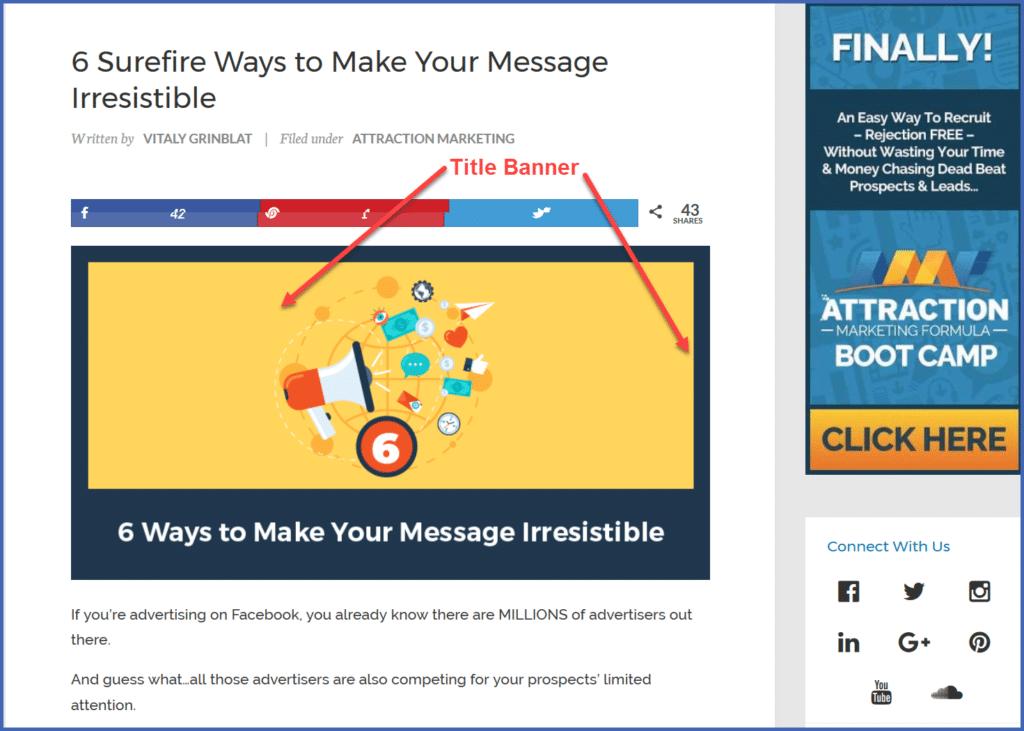
- “Featured Image” Banners
Featured images appear at the beginning of the post, and usually feature the title of the post.
These are the images most commonly used for social sharing purposes.
It’s a good idea to size these to the full width of your theme.
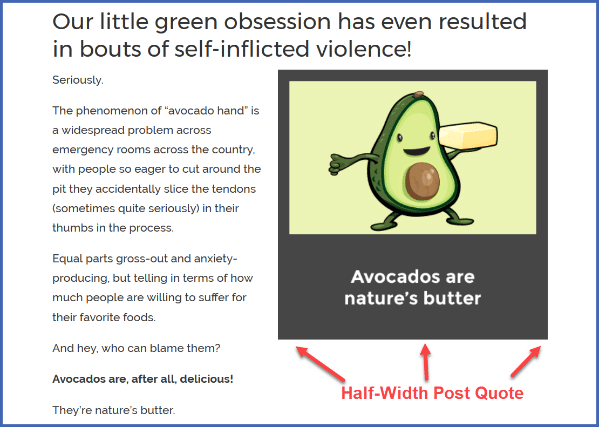
- Quote Posts
We use half-width Post Quotes to break up the text:
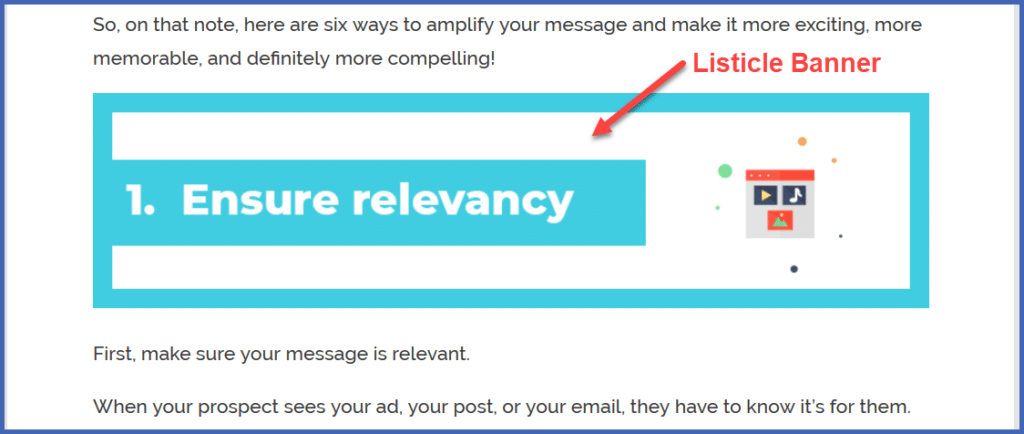
- “Listicle” Images
If your post is in list format, it’s more visually interesting to illustrate your bullet points or list items with images:
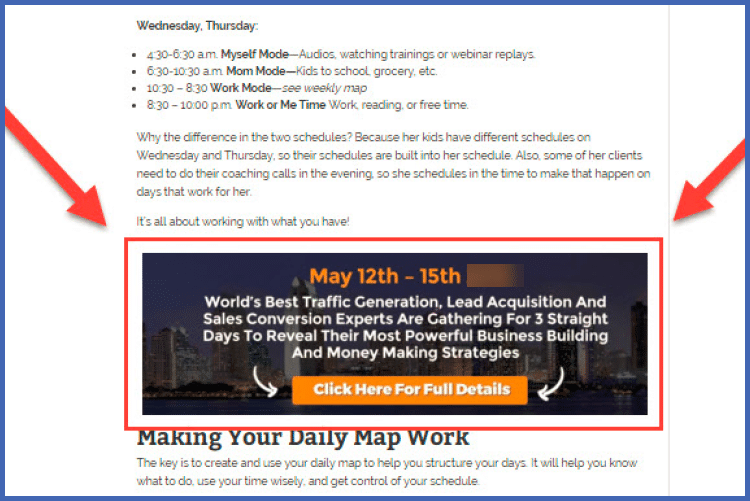
- Inline Call to Action Banners
Use these images to insert a call to action in the body of your post.
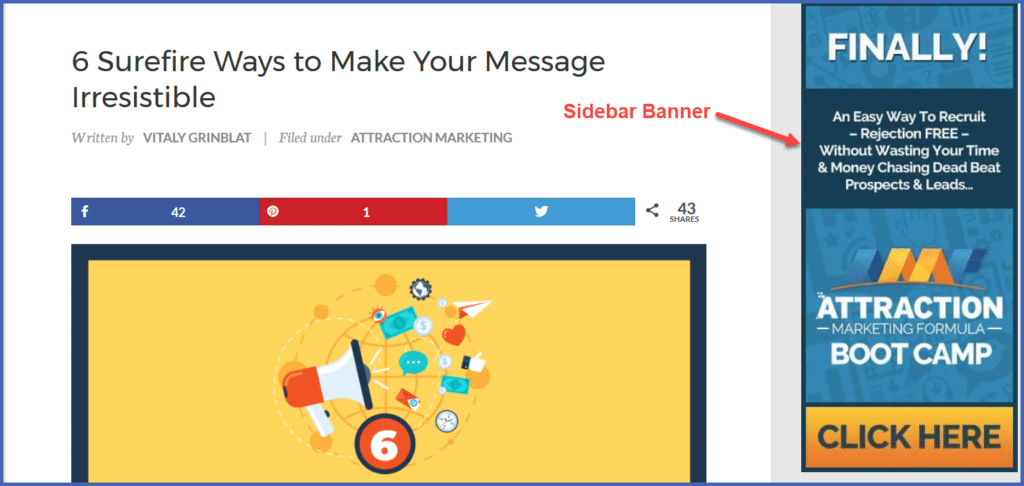
- Sidebar Banners
We’ll typically use a sidebar banner ad for a call to action in all of our posts.
Starting with just these 5 graphic elements, you’ll soon be on your way to creating a visually compelling landing page that motivates your website visitors to take action.
And you don’t need to get too fancy or complicated. Sometimes “less is more.”