

For this site, you will need 1 high-quality picture of yourself for your home page and 1 high-quality image of yourself for your “About Me” Page.
You might be tempted just to snap a quick picture of yourself using your phone. Sure it’s easy, but that doesn’t leave a great first impression on the person browsing your site and seeing what you have to offer.
Your photos represent your business. Low quality, unprofessional photos will communicate the same about your personal brand and the products and services you offer. Your photos are incredibly important when it comes to making a first impression on customers.
Professional photos can be used to make your website infinitely more engaging. They can also be used to build your brand on social media, profile pictures, website headers, ads, cover photos, blogs and much more.
Using professional photography to reinforce your personal brand is an excellent way to take advantage of the visual nature of the human brain. If you’re running an online business, high-quality, authentic photography will play a crucial role in delivering the personality of your brand. It’s one of the most effective ways to enhance your positioning as an expert and instantly connect with your readers or customers.
Here are some examples for using Professional Photography:
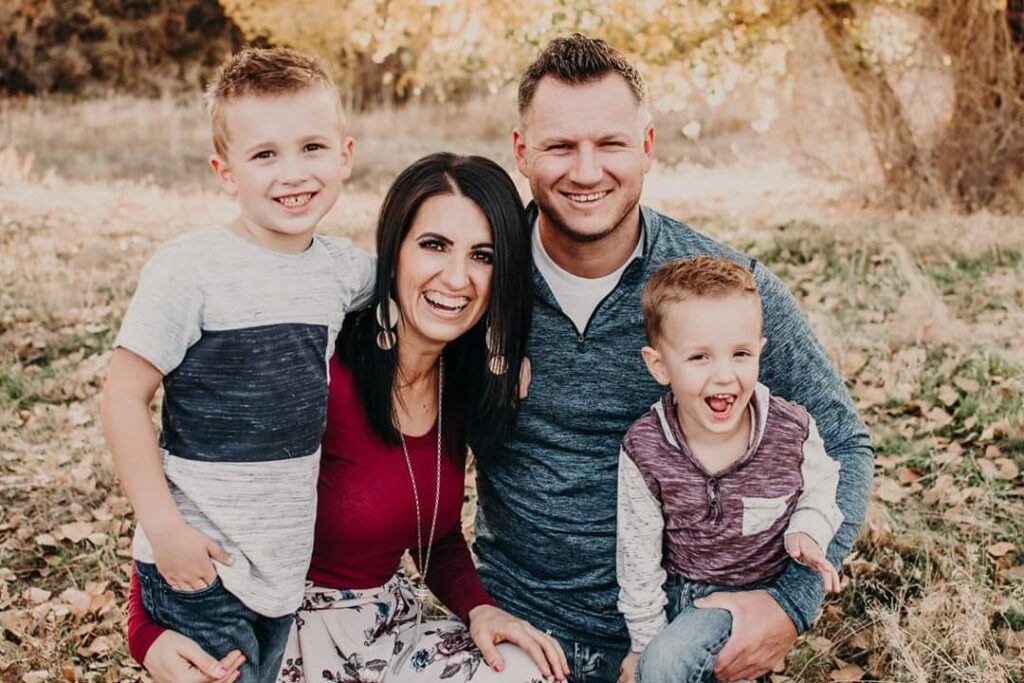


If you are going to do your own photography, Here are a few tips:
- Have someone else take your picture - NO SELFIES.
- Find a well lit area - darker pictures or pictures at night usually do not work.
- SMILE!
- Do not use a group photo. People might not know which one you are 🙂
PREPARING YOUR IMAGE FOR YOUR ABOUT ME PAGE
Once you have your image complete, you will need to prepare it for your site.
The image you select will be large not only in width and height, but also in file size.
The goal is to bring the size of the image down so it loads fast on our servers and also looks great on screen.
This can be done on a Mac using “Preview” and on a PC using Microsoft Paint. These 2 pieces of software hardly have any fancy features… they both come free on the computers and will do very basic editing, like cropping and scaling an image to the size you need.
PREPARING YOUR IMAGE FOR YOUR HOMEPAGE
Your image should be around 2,500 px wide by 530 px high.
Your image doesn’t have to be EXACTLY these pixels - close is good enough. 🙂
The image should not have your head butted up to the top of the picture - give yourself some headroom to allow for the image to be resized on different devices. Also, make sure you are properly aligned to the right to give room for your text.
Once the images have been resized, you can upload them to your site:
- Click on “Media” on your dashboard
- Click the “Add New” button
- Click the “Select Files” button
- Select your images and then click “choose"
- You will see your photo appear in the Media Library on the page
That’s it! You can proceed to your homepage edits… we’ll add your images to the pages when we begin editing the homepage and About Me Page.
1. Hero Shot Image - Your image should be around 2,500 px wide by 530 px high. For Mobile - 360px wide. For Tablet, Tablet px wide.
2. About Me Image - Around 500px wide x 500px high
3. Image prep for the web and storage space - https://compressor.io