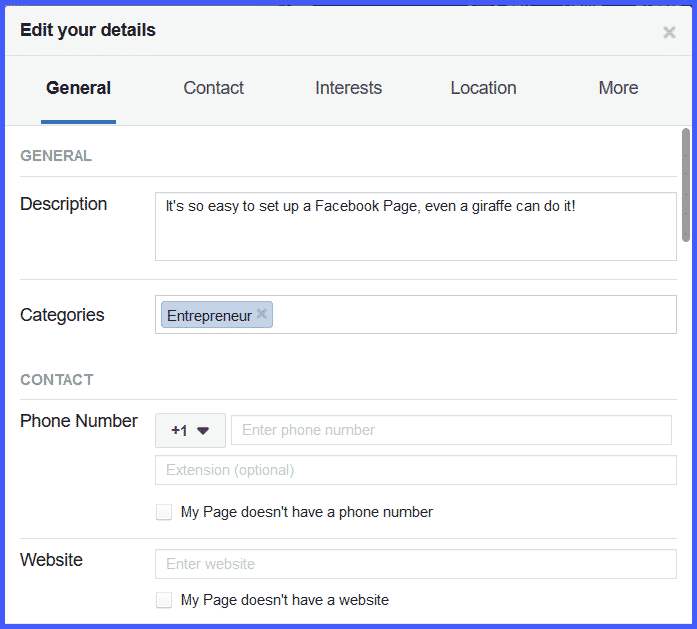
Once you’ve got your page set up, go ahead and explore it.
Click around.
Follow the prompts Facebook offers you to customize your page.
You’ll discover it’s incredibly rich with possibilities for communicating as much about you and your business as you’d like, to make it easy for your prospects, leads, and customers to find you.
If you look just below your new Cover Image and Profile Picture, you’ll see something like this:
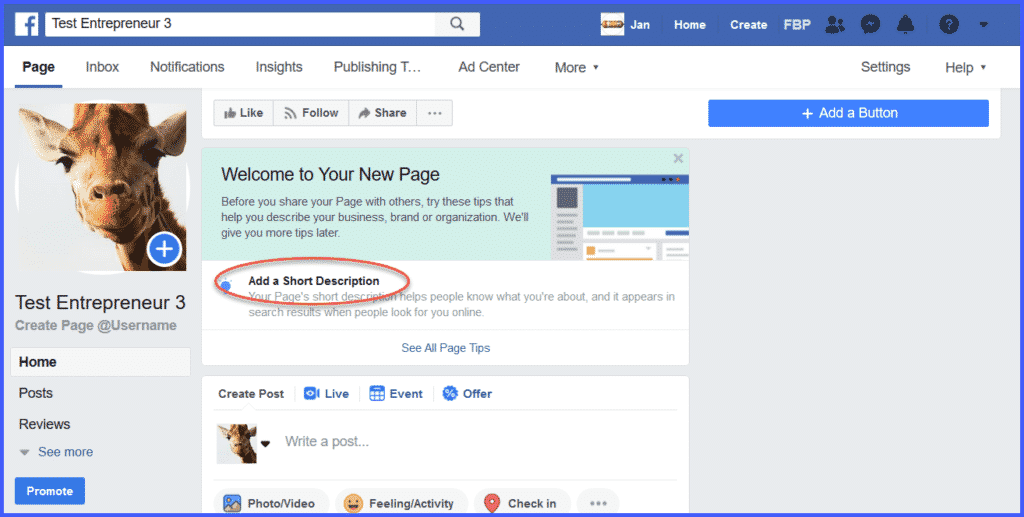
The first thing to do is to add a short description of you and your business that will show up in the “About” section of your page.
Clicking on “Add a Short Description” gives us this dialog box:
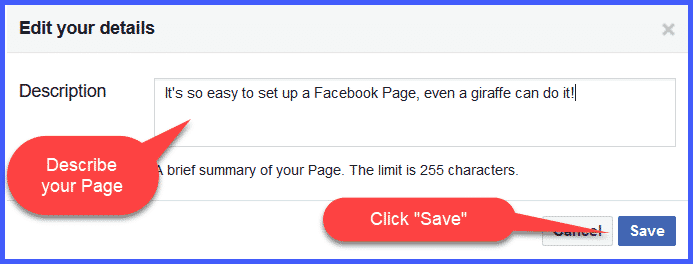
Just follow the directions: enter a short description, click “Save,” and you’re good to go.
Once you click “Save,” you’ll see this popup:
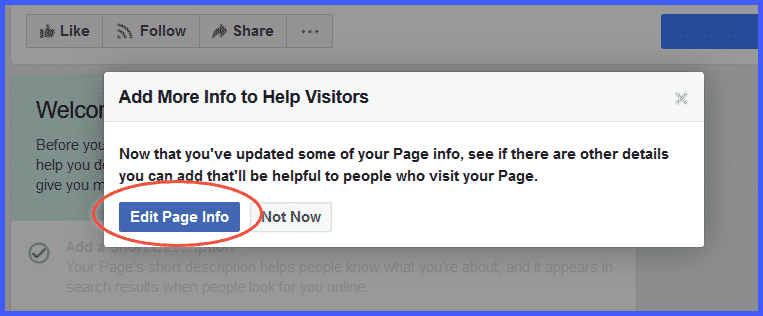
Go ahead and click Edit Page Info.
A popup will appear to guide you through the next step: