

Once you’ve clicked on Option B, Community or Public Figure, you’ll enter a name for your page, and choose a category:
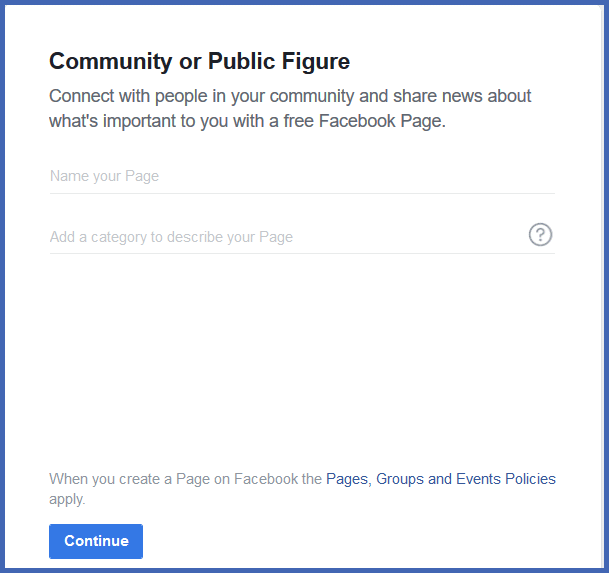
Give your page a name – we recommend simply adding YOUR NAME e.g. John Smith as you will be branding yourself. Or you can give it a business name if you'd rather.
Then choose “Entrepreneur” as the Category
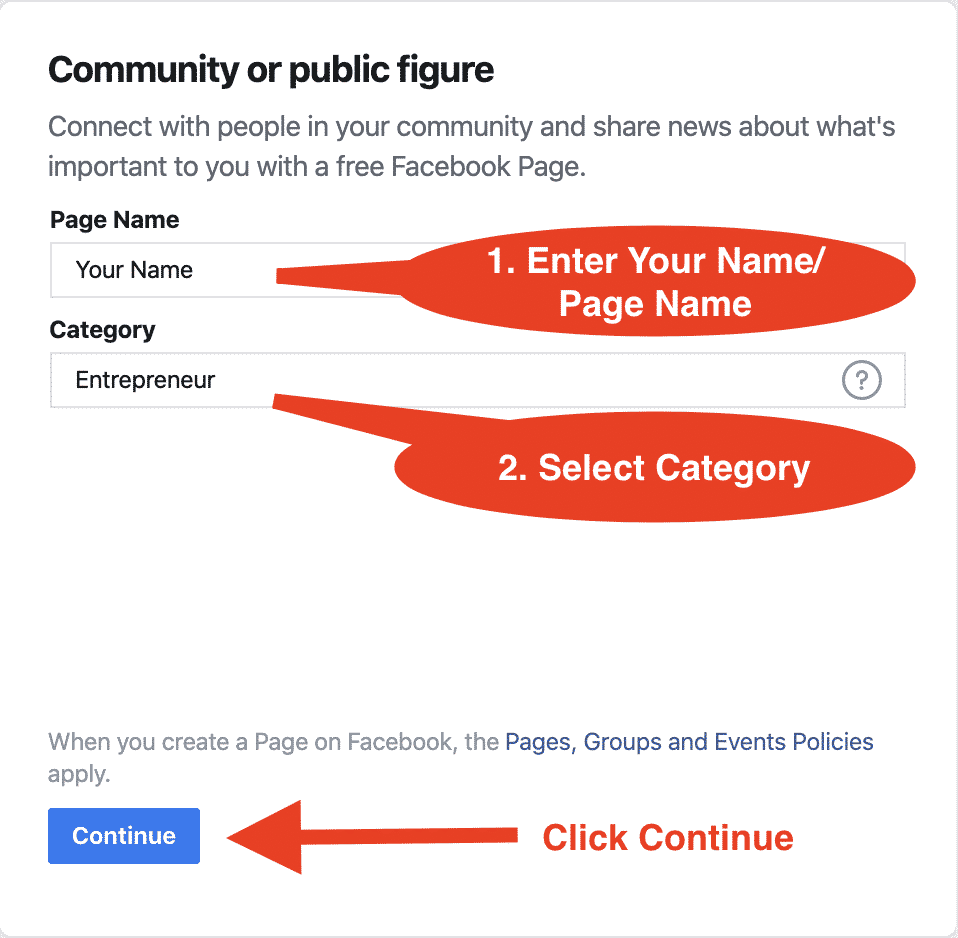
Once you click “Continue,” Facebook will lead you through a simple, intuitive process to get your page online in minutes.