There are a couple of ways to create your page.
From your account login:
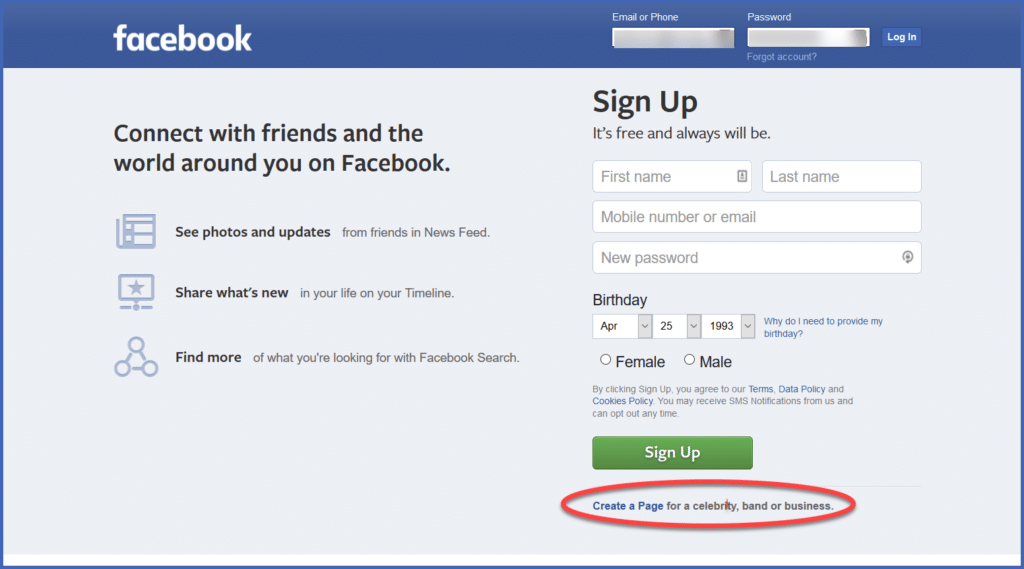
Click the link in the bottom right corner of the login screen.
OR…
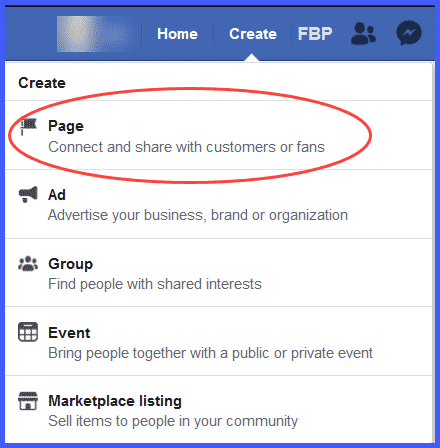
From the menu bar on your personal page:

- Click on the create button in the upper right-hand corner. A dropdown menu appears.
- From the dropdown menu, click “Create Page.”